Perplexity MCP Server
An intelligent research assistant powered by Perplexity's specialized AI models. Features automatic query complexity detection to route requests to the most appropriate model for optimal results. Unlike the Official server, it has search capabilities FOR EVERY TASK, essentially
It also forces the agent using the MCP to be specific
1. Search (Sonar Pro)
Quick search for simple queries and basic information lookup. Best for straightforward questions that need concise, direct answers.
const result = await use_mcp_tool({
  server_name: "perplexity",
  tool_name: "search",
  arguments: {
    query: "What is the capital of France?",
    force_model: false // Optional: force using this model even if query seems complex
  }
});
2. Reason (Sonar Reasoning Pro)
Handles complex, multi-step tasks requiring detailed analysis. Perfect for explanations, comparisons, and problem-solving.
const result = await use_mcp_tool({
  server_name: "perplexity",
  tool_name: "reason",
  arguments: {
    query: "Compare and contrast REST and GraphQL APIs, explaining their pros and cons",
    force_model: false // Optional: force using this model even if query seems simple
  }
});
3. Deep Research (Sonar Deep Research)
Conducts comprehensive research and generates detailed reports. Ideal for in-depth analysis of complex topics.
const result = await use_mcp_tool({
  server_name: "perplexity",
  tool_name: "deep_research",
  arguments: {
    query: "The impact of quantum computing on cryptography",
    focus_areas: [
      "Post-quantum cryptographic algorithms",
      "Timeline for quantum threats",
      "Practical mitigation strategies"
    ],
    force_model: false // Optional: force using this model even if query seems simple
  }
});
Setup
Prerequisites
Configure MCP Settings
Add to your MCP settings file (location varies by platform):
{
  "mcpServers": {
    "perplexity": {
      "command": "node",
      "args": ["/path/to/perplexity-server/build/index.js"],
      "env": {
        "PERPLEXITY_API_KEY": "YOUR_API_KEY_HERE"
      },
      "disabled": false,
      "autoApprove": []
    }
  }
}
Or use NPX to not have to install it locally (recommended for macos):
{
  "mcpServers": {
    "perplexity": {
      "command": "npx",
      "args": [
        "-y",
        "perplexity-mcp"
      ],
      "env": {
        "PERPLEXITY_API_KEY": "your_api_key"
      }
    }
  }
}
In case the MCP Client is not able to parse the Perplexity API Key from the
environment using methods like "${env:PERPLEXITY_API_KEY}" common in modern
AI Coding Agents (e.g. Kiro), there are two fallback solutions:
Command-Line Argument: Pass the API key directly as a command-line argument, and you can even try to see whether "${env:PERPLEXITY_API_KEY}" works in there.
{
  "mcpServers": {
    "perplexity": {
      "command": "node",
      "args": [
        "/path/to/perplexity-server/build/index.js",
        "--api-key",
        "your_api_key_here"
      ],
      "disabled": false,
      "autoApprove": []
    }
  }
}
Read an explicit .env File: specify the location of the project .env file with the environment variables and API keys for your current project with the --cwd command-line argument, and the MCP Server will read the .env file from the directory finding the Perplexity API Key from there.
{
  "mcpServers": {
    "perplexity": {
      "command": "node",
      "args": [
        "/path/to/perplexity-server/build/index.js",
        "--cwd",
        "/path/to/your/project"
      ],
      "disabled": false,
      "autoApprove": []
    }
  }
}
Priority Order: Command-line argument > Environment variable > .env file with --cwd (path needed)
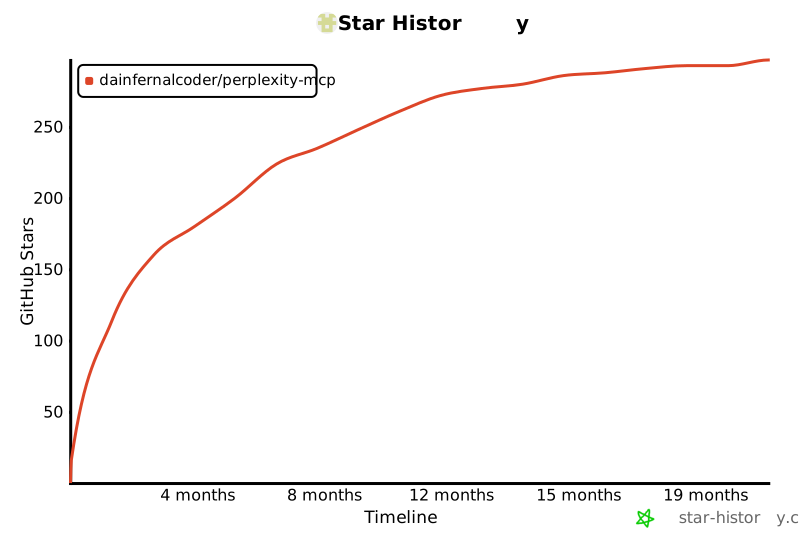
Star History