MCP Router is a free Windows and MacOS app that allows you to manage MCP servers from a single interface with secure access control and logging. It supports both local and remote MCP servers and can connect to any MCP server from any registry. No login required. The app requires an activation code to use.
The MCP Router MCP server is a publicly available project. Review the upstream repository for installation instructions, supported tools, compatibility, permissions, and current maintenance status.
Configuration
Configuration, transport, authentication, and runtime requirements vary by project. Open the repository before connecting and use the smallest set of credentials and permissions required.
Context7 Platform - Up-to-date Code Docs For Any Prompt
upstash
Community
Context7 MCP server providing up-to-date, version-specific documentation and code examples for libraries, enabling coding agents to fetch accurate docs and code snippets. Requires an API key for higher rate limits, passed via CONTEXT7_API_KEY header.
57.7Kstars0forks
Playwright MCP
Microsoft Corporation
Community
A Model Context Protocol (MCP) server that provides browser automation capabilities using Playwright. Enables LLMs to interact with web pages through structured accessibility snapshots, bypassing the need for screenshots or visually-tuned models.
35.5Kstars0forks
AIHawk
feder-cr
Community
AIHawk is an anti detect browser and web browsing agent, open source, with an MCP server for coding agents: undetected, no captchas, no blocks. It requires an OpenRouter API key for the standalone web UI mode, which can be provided via the --openrouter-key flag or the OPENROUTER_API_KEY environment variable or a .env file in the running directory.
End of support — September 18, 2026. Development, support and security updates have ended. Cloud services and billing have stopped. v0.6.4 is the final desktop release for existing users; local features remain available. New adoption is not recommended. End-of-support and migration guide.
The material below describes the historical product. Cloud features are no longer available.
After setting up MCP Router, you can connect to MCP Router using the CLI:
# Set your MCP Router token (Issued when adding a custom app)
export MCPR_TOKEN="mcpr_your_token"
# To connect to MCP Router, run:
npx -y @mcp_router/cli connect

# If you want to use project, run:
npx -y @mcp_router/cli connect --project <project-name>
🚀 Features
📊 Centralized Server Management
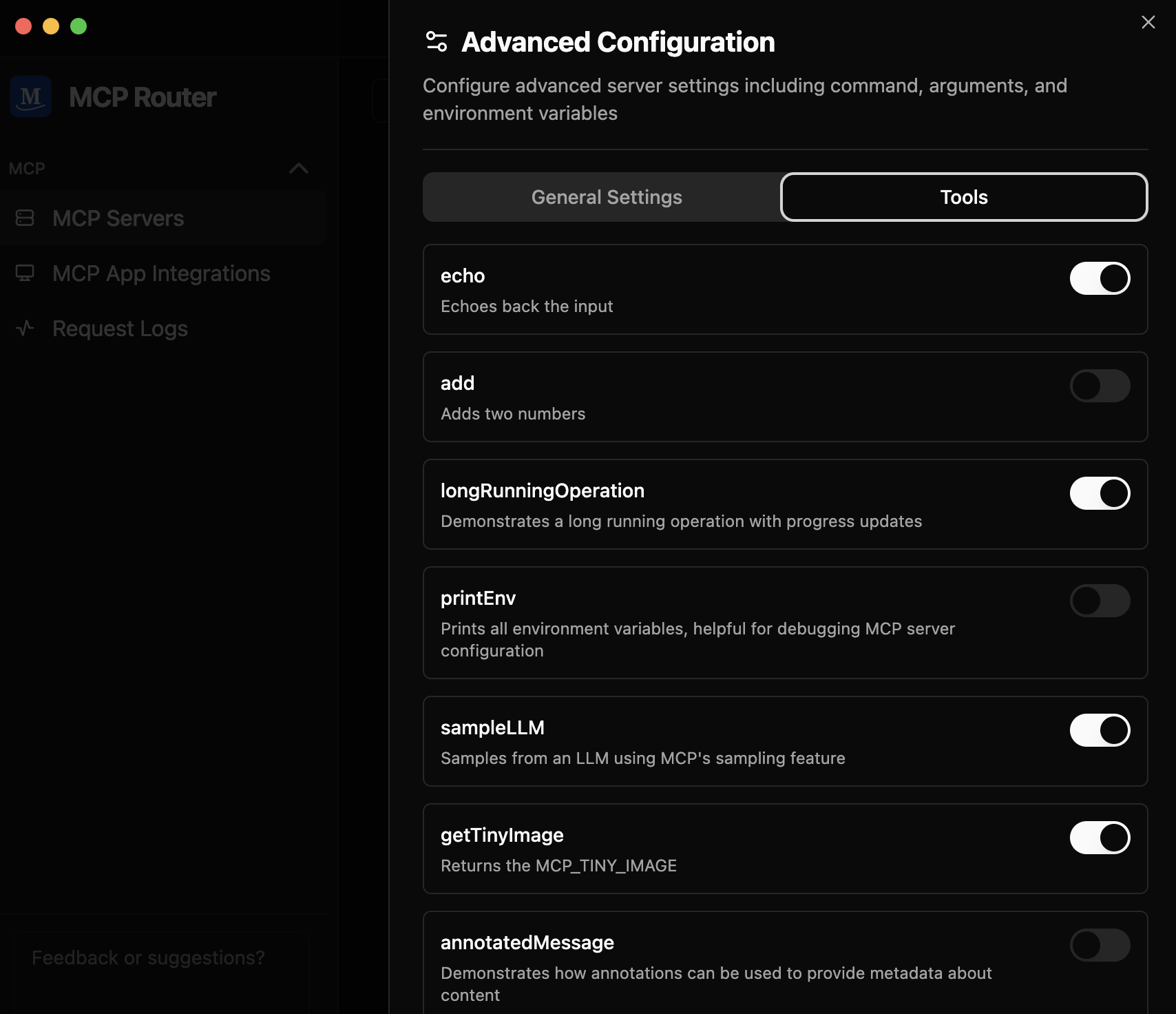
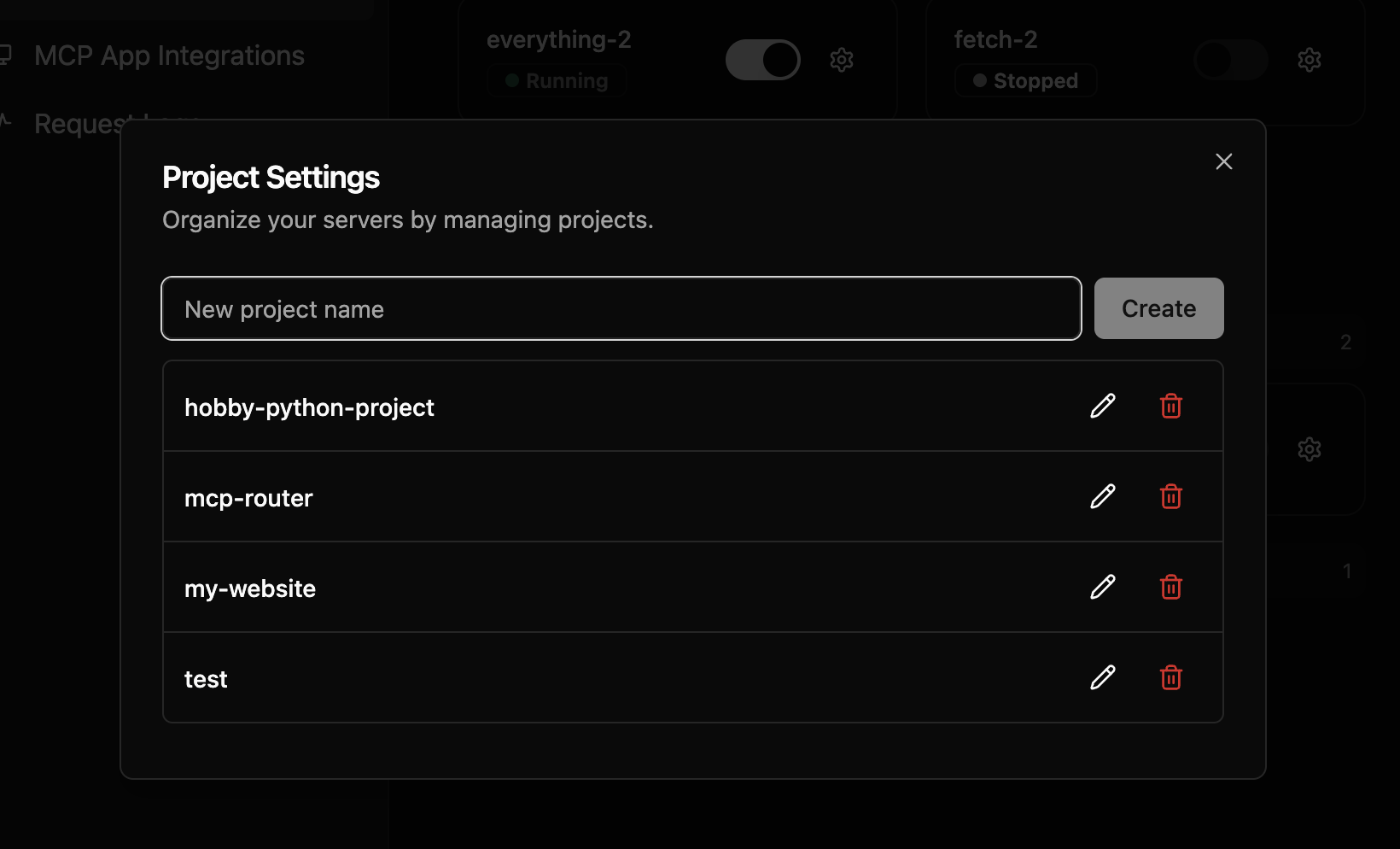
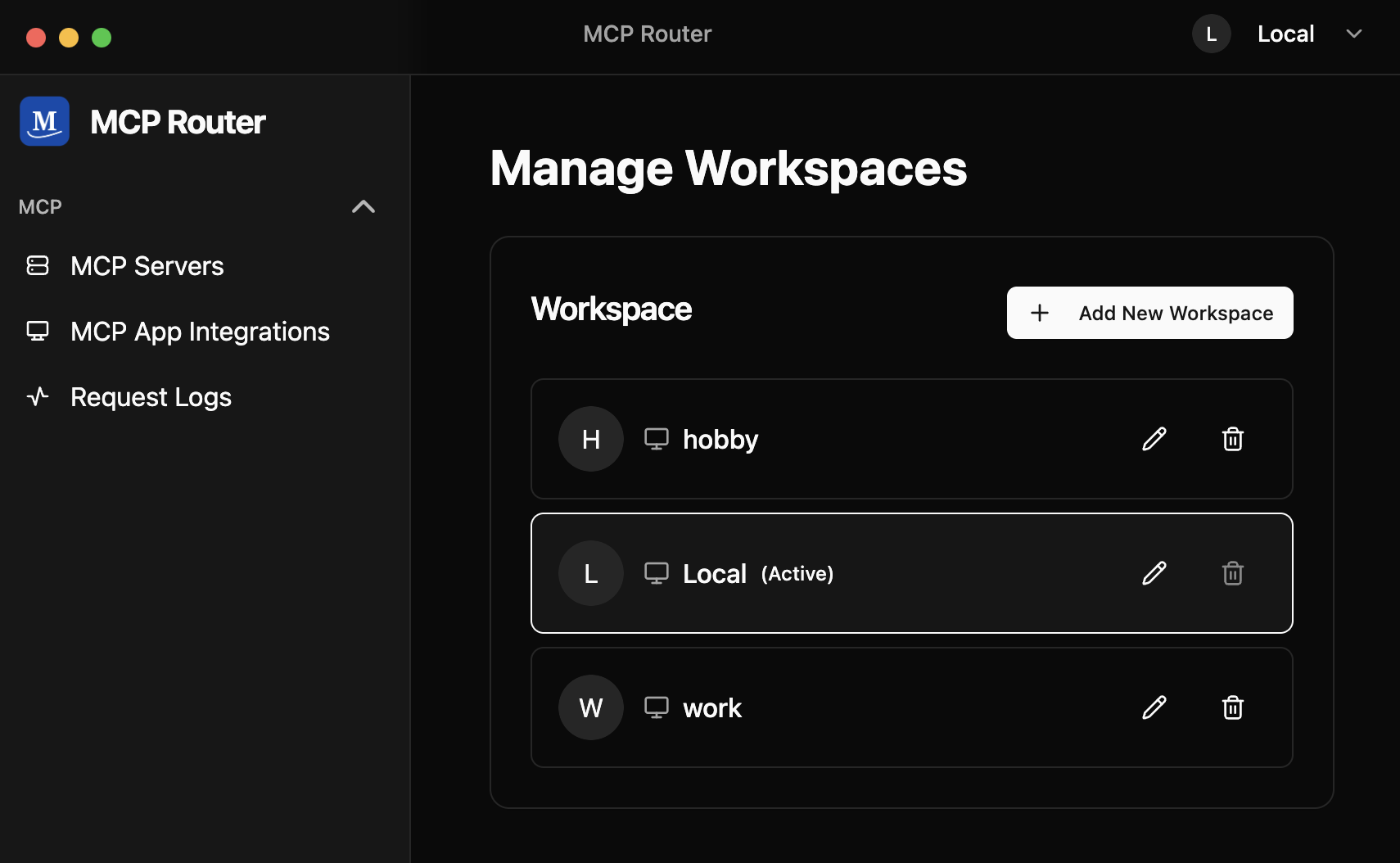
Easily toggle MCP servers on/off, enable/disable individual tools, and organize servers into Projects and Workspaces — all from a single dashboard
🌐 Universal Connectivity
Add and connect to any MCP server with support for both local and remote servers
🔗 One-Click Integration
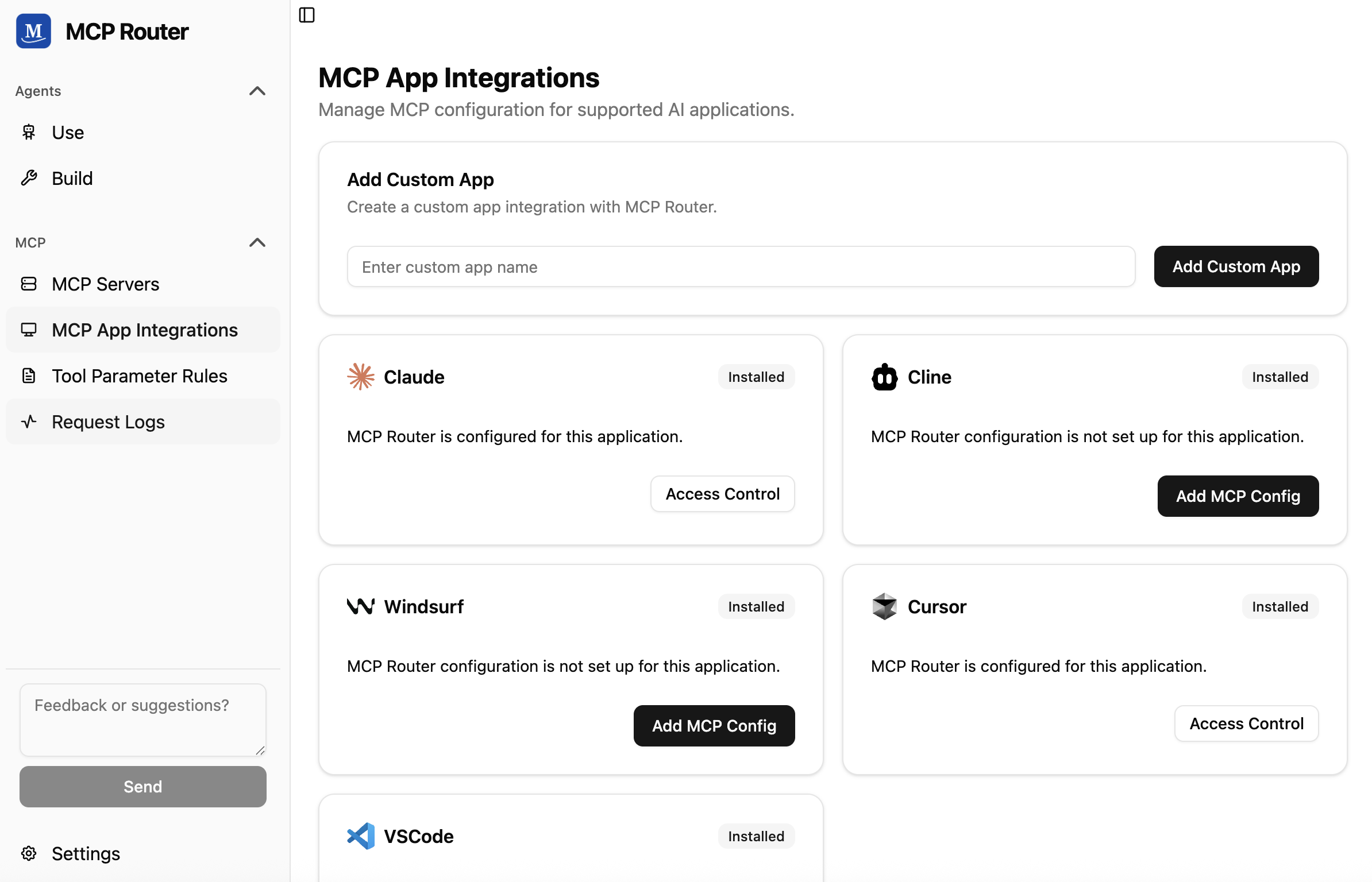
Seamlessly connect with popular AI tools like Claude, Cline, Windsurf, Cursor, or your custom client
📈 Comprehensive Logging & Analytics
Monitor and display detailed request logs
🤝 Community
Join our community to get help, share ideas, and stay updated:







-@mcp__router-1DA1F2?style=flat&logo=x)