IDA MCP Server
[!NOTE]
The idalib mode is under development, and it will not require installing the IDA plugin or running IDA (idalib is available from IDA Pro 9.0+).
Overview
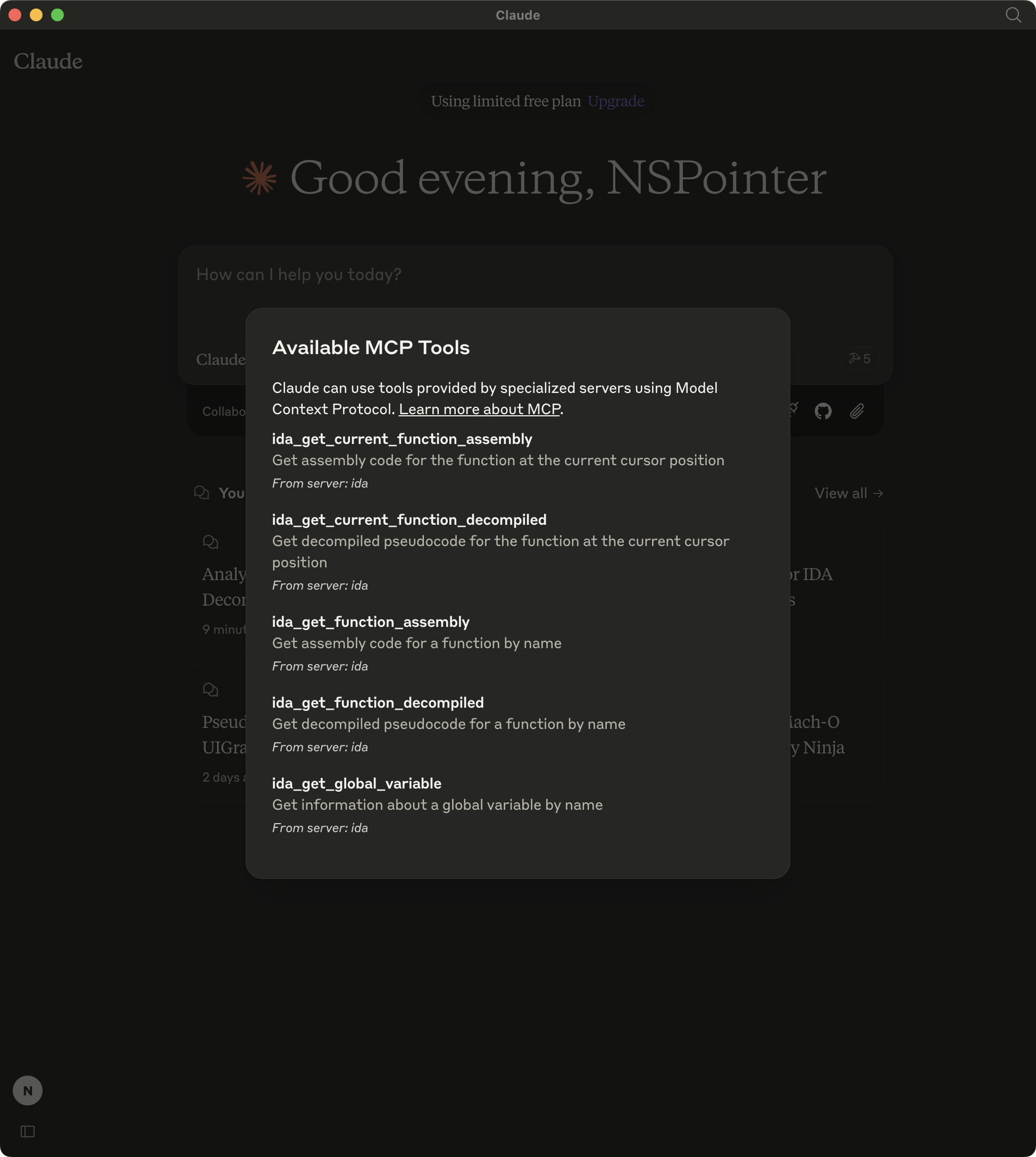
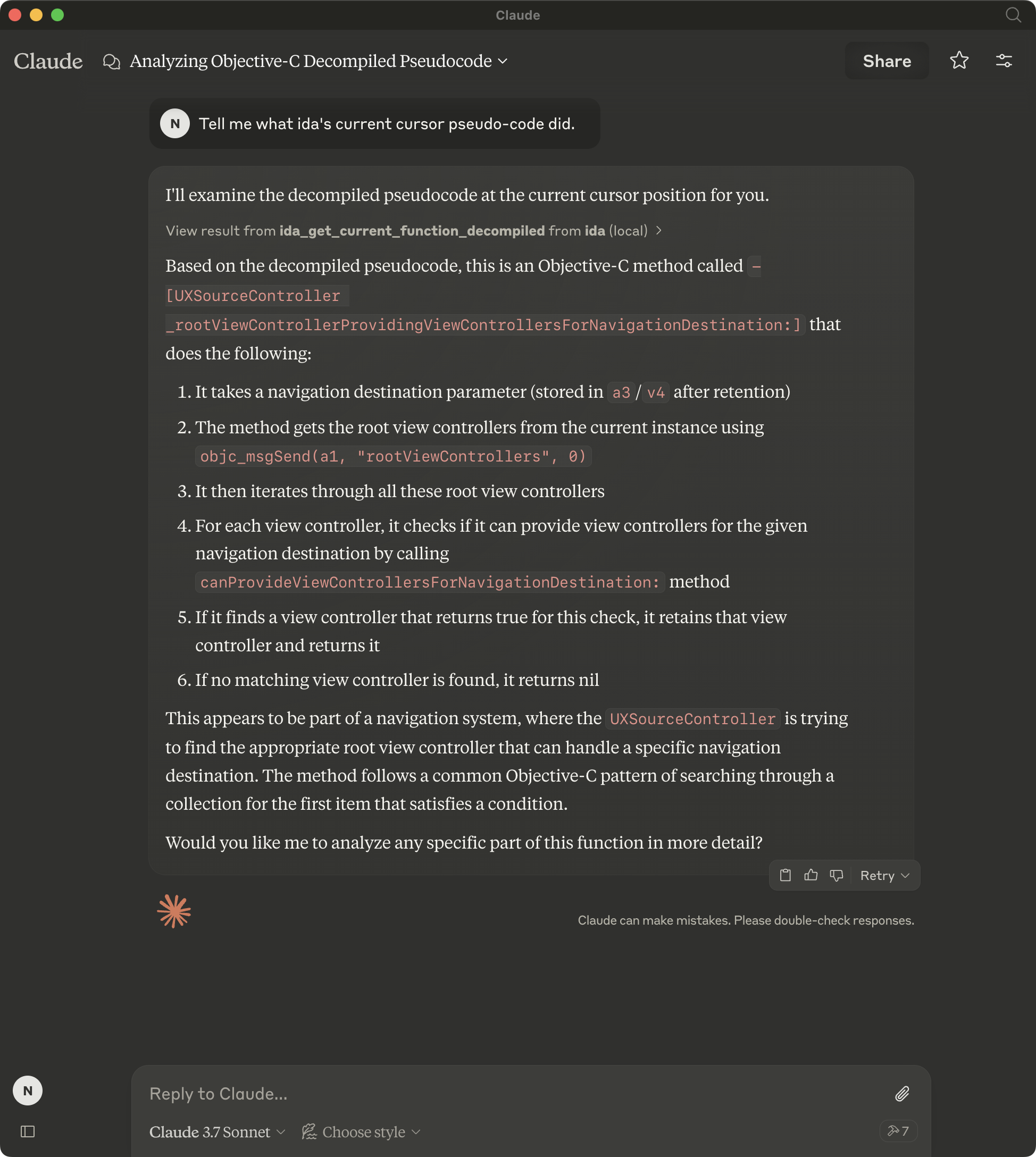
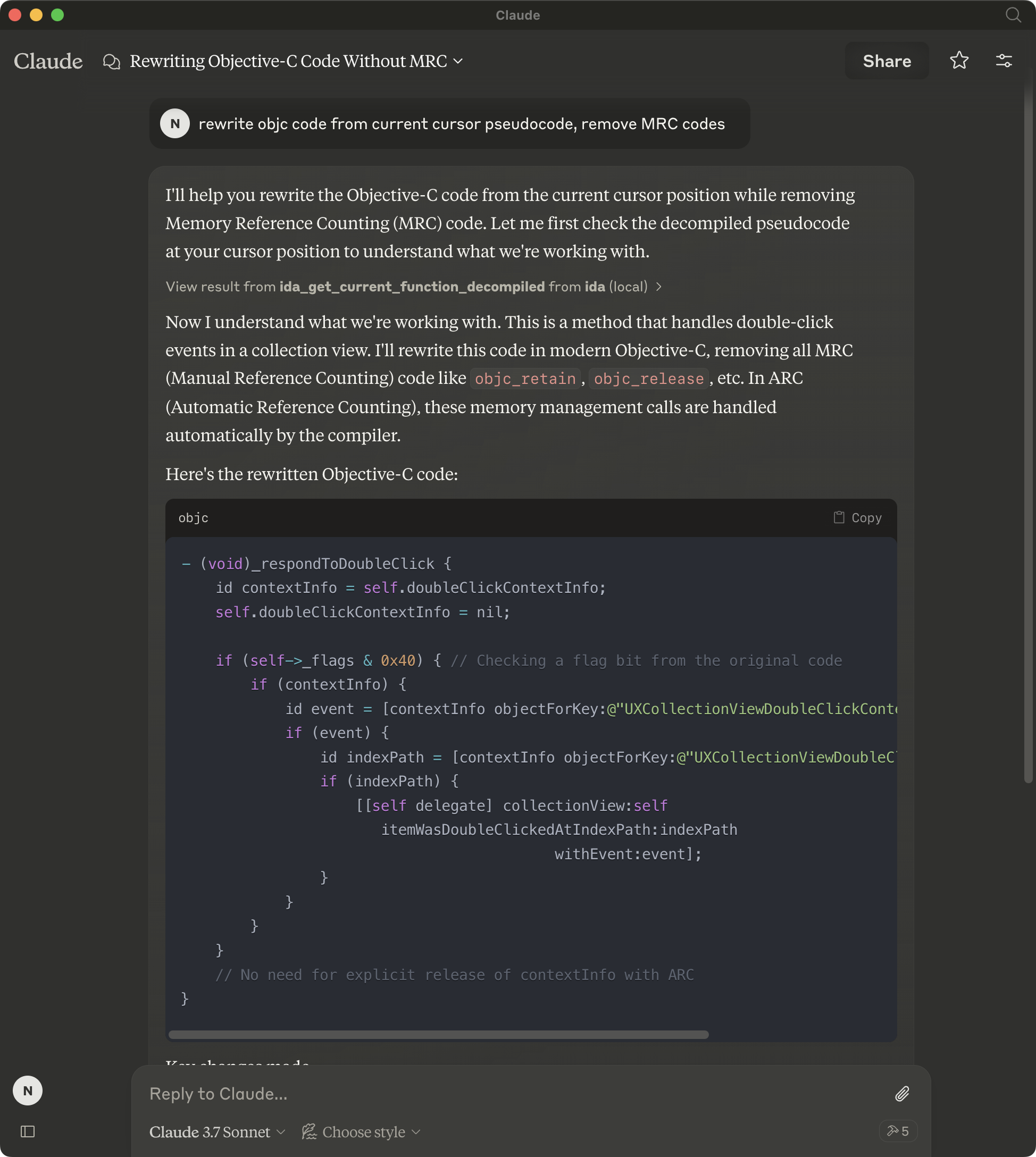
A Model Context Protocol server for IDA interaction and automation. This server provides tools to read IDA database via Large Language Models.
Please note that mcp-server-ida is currently in early development. The functionality and available tools are subject to change and expansion as we continue to develop and improve the server.
Installation
Using uv (recommended)
When using uv no specific installation is needed. We will
use uvx to directly run mcp-server-ida.
Using PIP
Alternatively you can install mcp-server-ida via pip:
pip install mcp-server-ida
After installation, you can run it as a script using:
python -m mcp_server_ida
IDA-Side
Copy repository/plugin/ida_mcp_server_plugin.py and repository/plugin/ida_mcp_server_plugin directory into IDAs plugin directory
Windows: %APPDATA%\Hex-Rays\IDA Pro\plugins
Linux/macOS: $HOME/.idapro/plugins eg: ~/.idapro/plugins
igors-tip-of-the-week-103-sharing-plugins-between-ida-installs
Configuration
Usage with Claude Desktop
Add this to your claude_desktop_config.json:
Using uvx
"mcpServers": {
  "ida": {
    "command": "uvx",
    "args": [
        "mcp-server-ida"
    ]
  }
}
Using pip installation
"mcpServers": {
  "ida": {
    "command": "python",
    "args": [
        "-m",
        "mcp_server_ida"
    ]
  }
}
Debugging
You can use the MCP inspector to debug the server. For uvx installations:
npx @modelcontextprotocol/inspector uvx mcp-server-ida
Or if you've installed the package in a specific directory or are developing on it:
cd path/to/mcp-server-ida/src
npx @modelcontextprotocol/inspector uv run mcp-server-ida
Running tail -n 20 -f ~/Library/Logs/Claude/mcp*.log will show the logs from the server and may
help you debug any issues.
Development
If you are doing local development, there are two ways to test your changes:
Run the MCP inspector to test your changes. See Debugging for run instructions.
Test using the Claude desktop app. Add the following to your claude_desktop_config.json:
UVX
{
"mcpServers": {
  "ida": {
    "command": "uv",
    "args": [
      "--directory",
      "/<path to mcp-server-ida>",
      "run",
      "mcp-server-ida"
    ]
  }
}
Alternatives
ida-pro-mcp
ida-mcp-server-plugin
mcp-server-idapro
pcm
Screenshots