iOS Agent Skill
Give your coding agent the Apple references, Swift source and local tools it needs to build and review an iOS app.
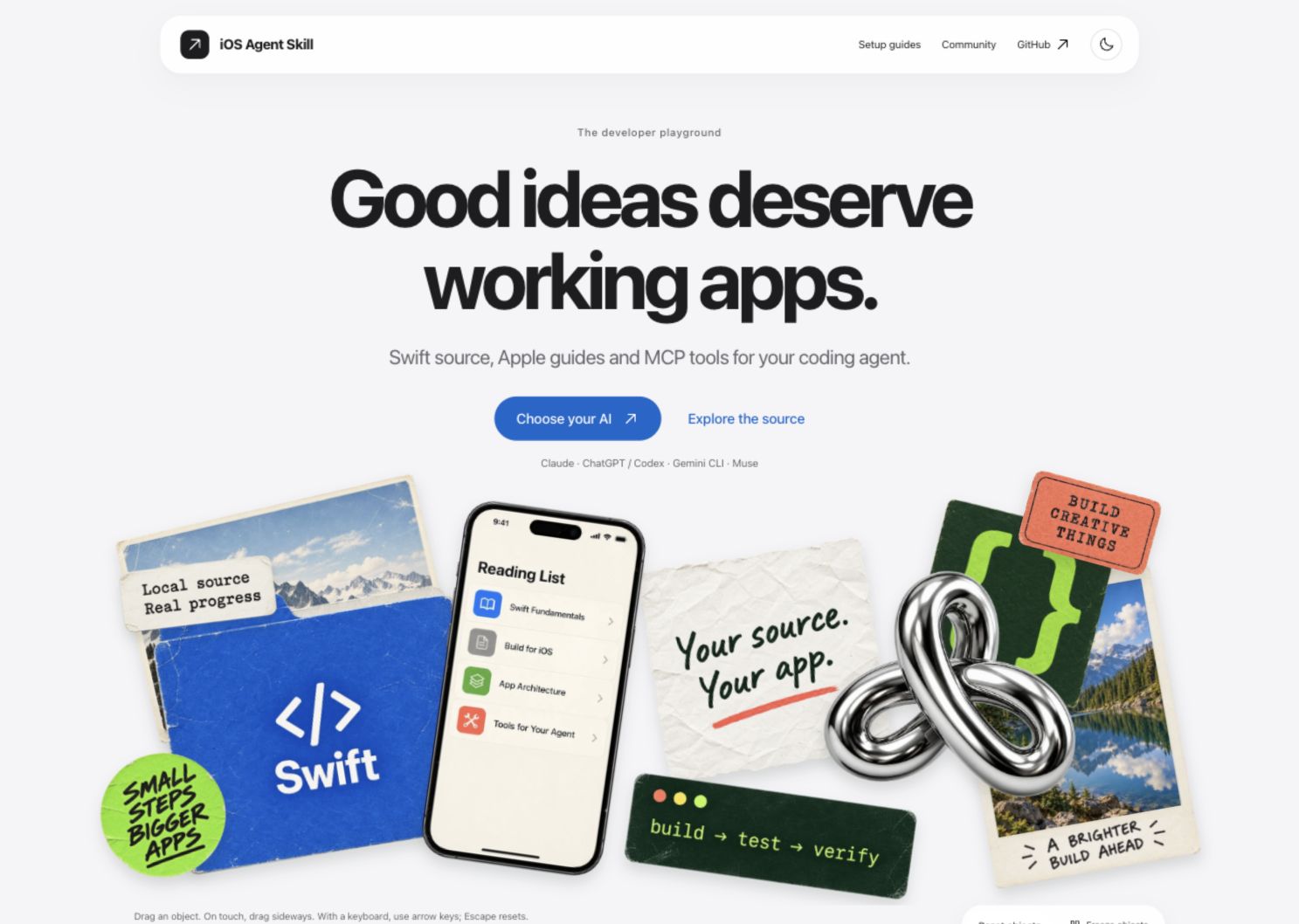
Watch the website walkthrough · Explore the website
Describe an app in one sentence and the /ios-build agent plans it, writes the SwiftUI code and Xcode project, then builds and runs it in the simulator (what has been verified, example apps on the website). For an existing project, the same package gives your coding agent reviews, local Apple references and simulator tools to check its work.



Explore the website · Client setup guides · npm · Release notes
Build an app from one sentence
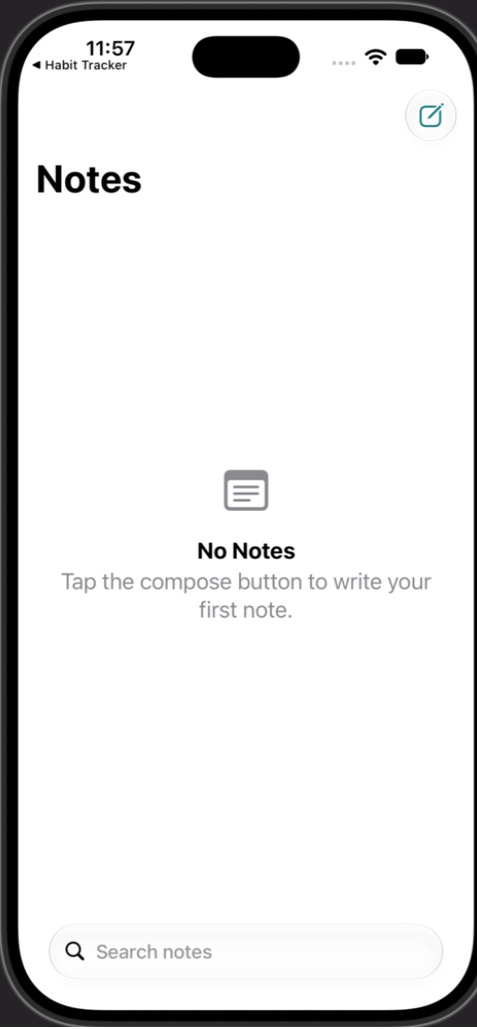
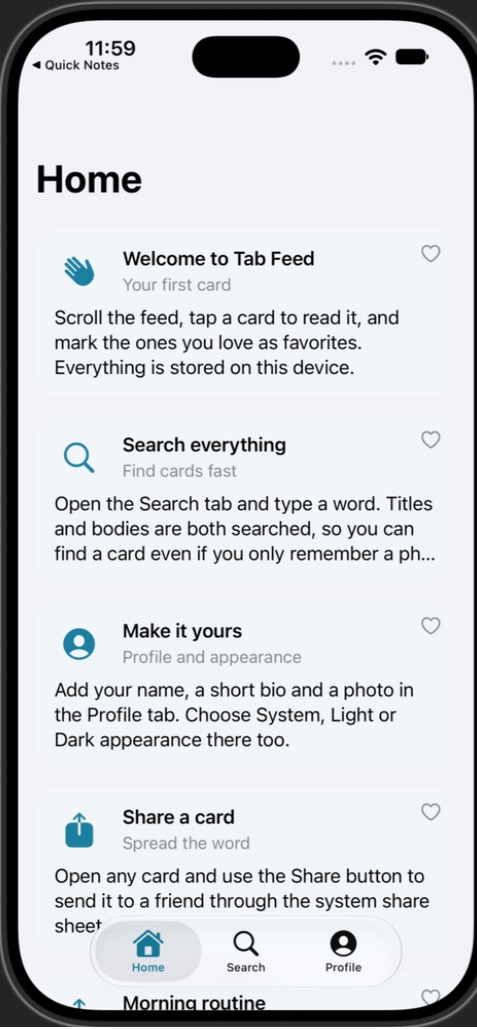
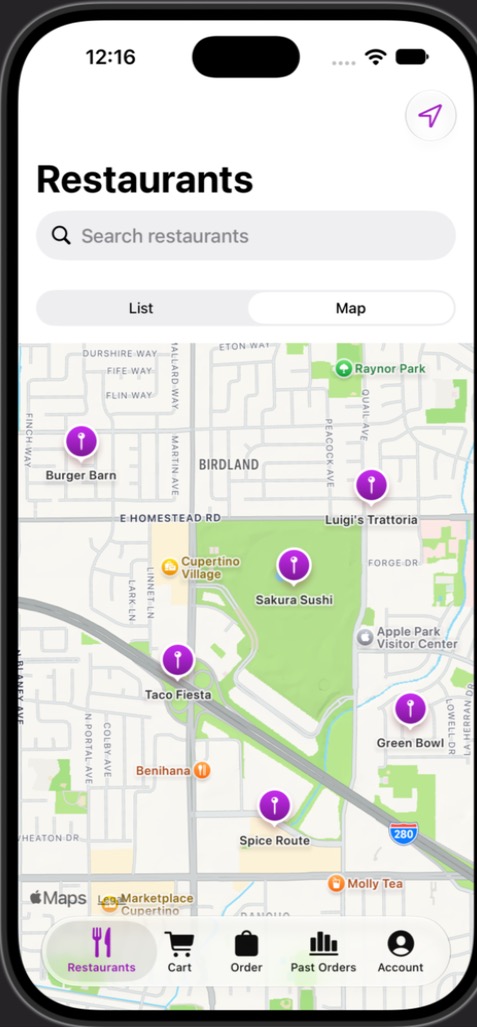
/ios-build "<what you want>" asks Claude Code to plan an iOS app, write its SwiftUI code and Xcode project, apply capability modules (sign-in, storage, payments, maps and more), then build, run and screenshot it in the iOS Simulator, ending with a report of what needs your accounts or money. The tools are published in ios-agent-mcp 2.10.0 (npm verified October 3, 2026). Four apps it planned and wrote built on the first build with Xcode 27.0 and ran in the simulator. One of them is a food-delivery app with 20 capability modules and a widget extension. Its own build-and-fix loop has not yet run end to end on a Mac.
Quickstart
Install the published server and Claude Code command:
claude mcp add ios-agent -- npx -y ios-agent-mcp@latest
npx -y ios-agent-mcp@latest install-command --global
Then, in any Claude Code session on a Mac with Xcode 16 or later:
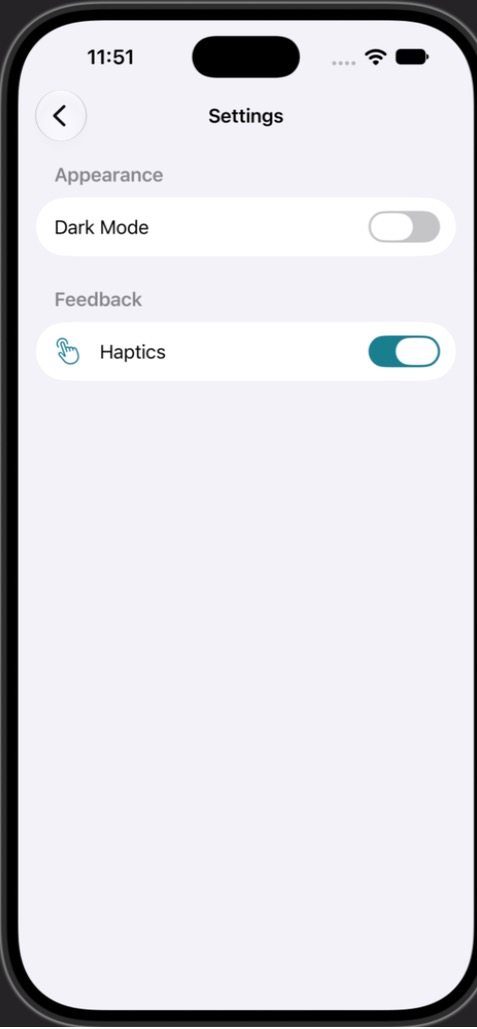
/ios-build "A habit tracker with a list, a detail screen, and settings with dark mode toggle"
XcodeGen is optional: without it, the agent writes a folder-synchronized Xcode project itself. The steps are described in docs/tooling/ios-build-agent.md. This quickstart has not been run in a Claude Code session on a Mac yet.
Examples
Plans, generated sources, run reports and what was and was not exercised: examples/agent.
Capabilities
Every capability is a folder in capabilities/ with a manifest, recipe, Swift template, apply hook and verify hook. The catalog lists the wider landscape for planning and cost estimates. The counts below are generated from the manifests.
161 catalog entries in 30 categories; generated from capabilities/CATALOG.md.
Needs your accounts
The agent builds and runs everything in the simulator without accounts. Capabilities that need a service declare the keys in their manifest. Client keys, such as a publishable key, go in the project's gitignored .env file and reach the app through a generated xcconfig. Until they are set, the keys are REPLACE_ME placeholders, so the app still builds and shows a configuration message. Server secrets are never put in the app. PLAN.md lists what each run needs and the cost model of each service. Running on a device, using TestFlight or publishing needs your Apple Developer Program membership.
Not yet
- No capability is
verified: no module has passed its own verify run on a Mac. All modules compiled together once (see the compile check).
- The agent's automated loop (
xcodebuild errors fed back to the model, simctl launch and screenshots per screen) is covered by tests against fake tools, not by a real run.
- Taps and scrolling during the agent's own screenshots, and device builds, are not done. In the food-delivery example the StoreKit purchase and the Live Activity were not exercised.
Which workflow to use
Start with one connection
For Claude Code:
claude mcp add ios-agent -- npx -y ios-agent-mcp@latest
Set up ChatGPT/Codex, Gemini CLI or Muse. One npm package includes reviews, local references, app scaffolding and simulator tools. Node.js 20+ is required; building and running iOS apps needs macOS and Xcode.
Then ask:
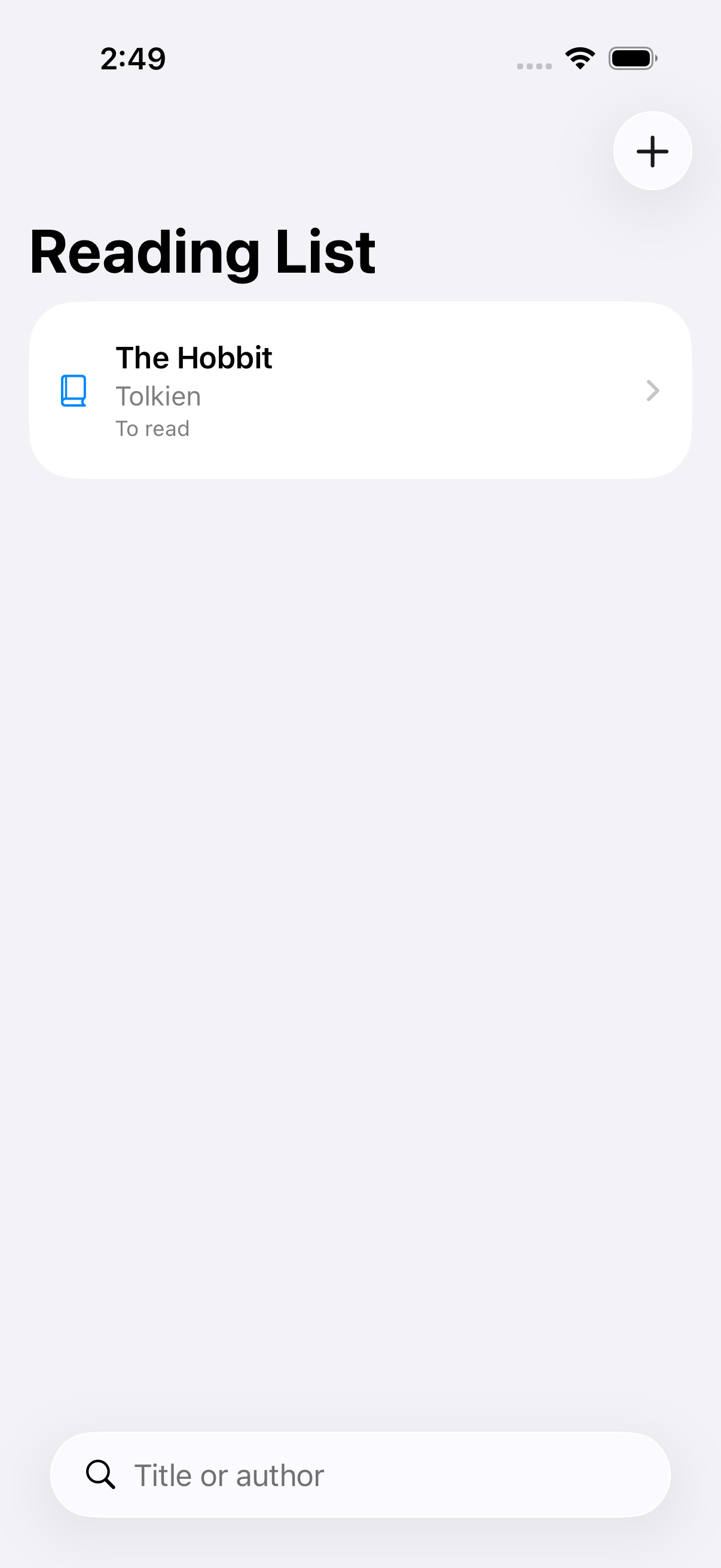
Build a SwiftUI reading list with local persistence, search and accessible empty/error states. Reuse the local source library. Build it, run the tests and capture simulator evidence. Explain any checks that fail.
For an existing app, provide its absolute project path and ask for a focused review before making changes.
What it helps you do
Asset generation · Review tools · Simulator setup · Apple release status
Create a starter directly:
npx -y ios-agent-mcp@latest new MyApp --brief "A reading list with local storage" --xcodegen
The starter is not a finished app: --xcodegen writes a project.yml that XcodeGen turns into a project. For a complete app from a description, use /ios-build. Generated app ownership and branding belong to the user.
See the evidence
The Reading List demo has persistence, search, simulator acceptance tests and captured screens. The four apps the /ios-build agent planned and wrote, with their plans, run reports and simulator screenshots, are in examples/agent.
Published npm 2.10.0 adds 13 build-agent tools to the previous 67, for 80 tools. They include seven Apple system integration tools and nine Screenshot Studio tools. Static reviews are heuristics, not compiler diagnostics. The Apple directory is a reference map, not Apple's proprietary framework source or proof of 405 working integrations. Token savings have not been benchmarked. Build-loop verification limits.
Why use this alongside Xcode?
Xcode already ships agent expertise and build/test tools. Use those when they meet your needs. This repository adds shared guidance across these four client families, inspectable review rules, local source retrieval and repeatable asset workflows. It has not been established that it makes an AI outperform Xcode's skills or use fewer tokens.
Where the guidance comes from, evidence and unfinished work. The paired benchmark harness contains 20 Swift microtasks; results are not published, and it does not yet measure complete app builds.
Failure feedback belongs in your coding session: the observed error, the proposed fix and actual verification results. The source server adds troubleshooting guidance to returned tool errors; agent instructions also cover compiler/test failures. These messages do not appear in the app you are building.
prepare_issue_report lets your AI prepare a local report when an iOS Agent tool fails. It accepts fixed categories only, shows a preview and a duplicate-search link, and leaves public submission to you. No app source or logs are collected. Reporting workflow.
Included as an experimental tool in 2.7.1: optional private_feedback keeps approval in the AI chat and sends fixed categories to a private inbox through a configured HTTPS receiver. Hosting is not configured, so private submission is not live. It never silently submits or falls back to public issues.
Four client families, one project
The project focuses on these four families. For another client, open a client-support request or add a 👍 to an existing request. Votes inform priorities alongside feasibility and testing; they do not guarantee delivery. Existing experimental adapters are not actively maintained.
install.sh is optional: it installs source guidance for a chosen local client, not the MCP server or a browser plugin. Run bash install.sh --help after cloning. Most users should use the client setup guide above.
Reference coverage
Apple catalog tracked: 99 technologies. Covered: 99. Planned: 0. Skipped: 0. Deprecated: 0. Coverage: 100.0%.
Source of truth: frameworks.json. Human index: docs/apple-framework-index.md.
Coverage counts describe documentation, not compiled integrations. Download counts refresh daily and are not unique users.
Contributing · Development · Security · Roadmap · MIT license
Backend integration guidance: choose a service and review auth, data and security boundaries.
Optional provider commands
Use ios-agent-mcp environment to inspect the actual Xcode/SDK/simulator inventory.
ios-agent-mcp ai models and ai doctor inspect the dated catalog and account/local availability.
Text generation defaults to on-device Apple models; cloud providers and fallback require explicit configuration.
Provider setup, handoff, simulator CLI and limits. These commands do not replace the coding client or claim autonomous app completion.
Local Apple documentation
Install the archive in Xcode → Settings → Components → Developer Documentation. Read it through Window → Developer Documentation (Shift–Command–0 with standard key bindings). This integration uses xcrun mcpbridge; the archive stays managed by Xcode.
Use xcode-mcp tools for discovered Xcode schemas and doctor xcode for setup diagnostics.
Use ios-agent-mcp docs status and ios-agent-mcp docs symbol SwiftUI.NavigationStack for version-aware documentation grounding. The adapter prefers Xcode MCP DocumentationSearch, then bounded SDK evidence. Apple’s archive is never bundled. Bridge authorization is required; retrieval is not automatic code validation. Setup, tools and limitations.