

A QA testing framework for your coding agent.
Let your coding agent write and run E2E tests for your web app.


Download ·
Documentation
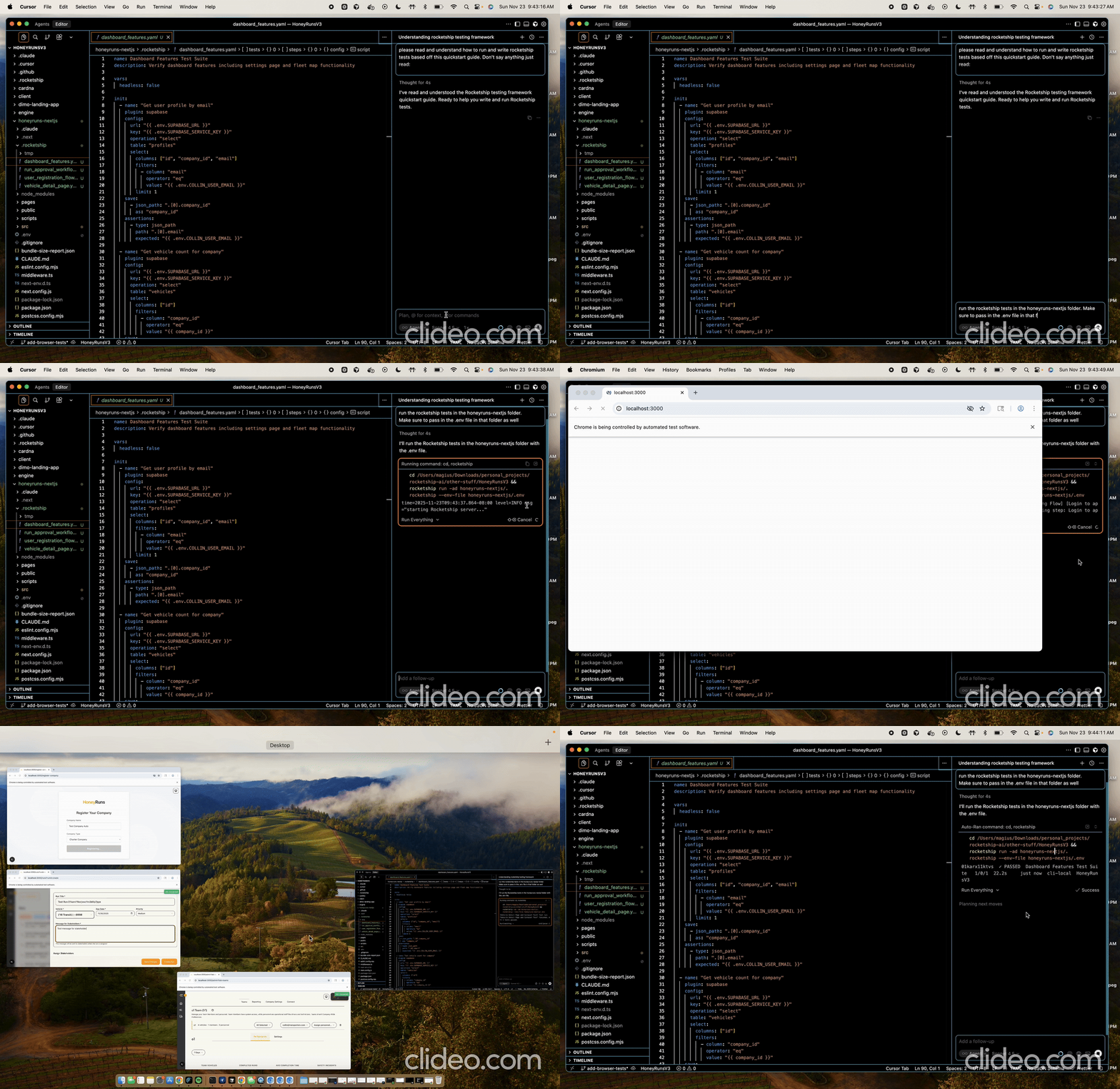
🚀 Rocketship is an open‑source QA testing framework that your coding agent can use to test customer journeys by using community-owned plugins like Supabase, Playwright, Agent, etc. It gives your coding agent a test harness so it can ship changes without silently breaking critical user flows like logins, signups, checkouts, you name it. Here's how it works:
- You install the Rocketship CLI and add a
.rocketship directory to your repository. Any .yaml files in this directory will be picked up and run by Rocketship.
- Your coding agent builds out a new feature, customer journey, or other user-driven scenario and writes a Rocketship test that asserts the flow works end-to-end.
- You run this test locally (and in CI) before merging. Once it’s checked in, it guards that flow against regressions every time your agent edits the code.
Core Features
- Rocketship CLI Run the engine locally or connect to a remote address.
- Declarative YAML Define your test scenarios as declarative YAML specs.
- Built-in Features Variable passing, retryability, lifecycle hooks, and more.
- Plugin Ecosystem Add the APIs and protocols that matter to you.
- Deploy-Ready Images Need to save history or run tests on a schedule? Host Rocketship on your own infra.
Agent Quickstart
Paste the ROCKETSHIP_QUICKSTART.md file into your coding agent's context window, so that it understands how to build and run tests.
Once it has that context you can:
- Ask it to propose
.rocketship/*.yaml tests for your critical flows (login, signup, checkout, etc.).
- Have it update the matching Rocketship test whenever it edits those flows, and run
rocketship run -ad .rocketship before committing or opening a PR.
Human Quickstart
Prerequisites
# the testing orchestration engine
brew install temporal
# required if you want browser testing
pip install playwright
playwright install chromium
# required if you use the agent plugin
pip install claude-agent-sdk
export ANTHROPIC_API_KEY=your-key
Install
Mac users:
brew tap rocketship-ai/tap
brew install rocketship
Linux bros:
curl -fsSL https://raw.githubusercontent.com/rocketship-ai/rocketship/main/scripts/install.sh | bash
Save a test spec
mkdir -p .rocketship
# .rocketship/auth_flows.yaml
name: "Auth Flows"
tests:
  - name: "Existing user can log in"
    steps:
      - name: "Create user in Supabase"
        plugin: supabase
        config:
          url: "{{ .env.SUPABASE_URL }}"
          key: "{{ .env.SUPABASE_KEY }}"
          operation: "auth_sign_up"
          auth:
            email: "test-{{ .run.id }}@example.com"
            password: "password123"
        save:
          - json_path: ".user.email"
            as: "login_email"
          - json_path: ".user.id"
            as: "supabase_user_id"

      - name: "Log in via browser"
        plugin: playwright
        config:
          role: script
          script: |
            from playwright.sync_api import expect

            page.goto("{{ .env.FRONTEND_URL }}/login")
            page.locator("input[type='email']").fill("{{ login_email }}")
            page.locator("input[type='password']").fill("password123")
            page.locator("button[type='submit']").click()

            expect(page).to_have_url("{{ .env.FRONTEND_URL }}/dashboard")

      - name: "AI checks dashboard"
        plugin: agent
        config:
          prompt: |
            In the current browser session, verify:
            - The dashboard loaded for the logged-in user
            - The page greets the user with their email: "Hello {{ login_email }}" (or similar)
            - A "New Project" or similar CTA is visible
          capabilities: ["browser"]
Run it
rocketship run -ad .rocketship # starts the local engine, runs the tests, shuts the engine down
Documentation
https://docs.rocketship.sh
Contribute!!!
I would love to build this with you! Reach out to me on LinkedIn and let's chat. A great first contribution is building a plugin for your favorite API. If you want to contribute to Rocketship, start by reading Contributing to Rocketship.
License
Rocketship is distributed under the MIT license.




