SandBase Harness
English | 中文







AI-readable project metadata: llms.txt · installation guide
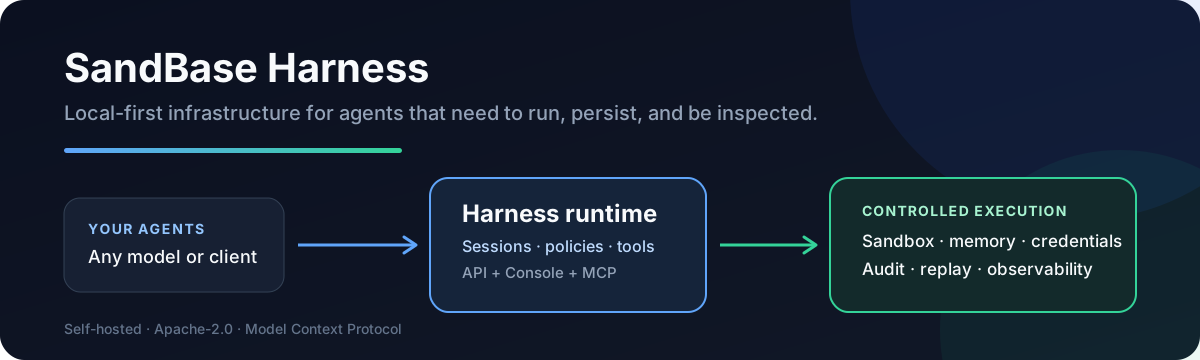
A local-first runtime for AI agents. Sessions, sandboxed tools, memory,
credentials, audit trails, and a built-in Console — all running on your
machine or in your own infrastructure.
Why
Agent SDKs handle the model loop. Production agents need more: persistent
sessions, tool governance, sandbox boundaries, credential handling, memory,
auditability, and a UI for humans to inspect what happened. managed-agents
is that runtime layer — not a visual workflow builder and not another model SDK.
Features
- Claude Managed Agents-style
/v1 API and local Console
- SQLite metadata by default for agents, sessions, environments, credential
vaults, memory stores, files, skills, and API keys — local file/skill bytes
in the workspace state directory
- Resumable Server-Sent Events for session replay and debugging
- One active model provider boundary configured through Settings V2
- Sandbox backends: local process, Docker (per-session containers), Kubernetes
(kubectl exec/cp), self-hosted worker queue
- MCP toolsets, permission policies, built-in tools, and skill packages
- TypeScript SDK at
managed-agents/sdk
- Release gate:
npm run release:check
Quick Start
Requirements: Node.js 22+, npm 10+, and a model provider API key (OpenAI,
Anthropic, MiniMax, or any OpenAI-compatible endpoint). Docker is optional and
only needed for Docker-backed sandboxes.
git clone --branch v0.3.8 --depth 1 https://github.com/sandbaseai/sandbase-harness.git
cd sandbase-harness
npm ci
npm run build
mkdir ../my-agents && cd ../my-agents
node ../sandbase-harness/dist/index.js init
node ../sandbase-harness/dist/index.js start
init writes a workspace into the directory you run it from: an agent, a skills
folder, and config.yaml, whose provider reference is the ${OPENAI_API_KEY}
environment variable. start serves the API and the Console on
http://127.0.0.1:3000.
Two steps finish the setup, both on Settings > Setup at
http://127.0.0.1:3000/dashboard:
- The provider. Paste your API key into the provider form and save. The page
then reports that the saved configuration is not active yet, so restart the
runtime — stop it with Ctrl+C and run the
start command again, or use the
restart button. A saved setting only takes effect at startup. If your provider
is not in the list, choose the OpenAI-compatible vendor and set its base URL.
- The model. In the Agent models panel, set the model ID your provider
actually serves —
deepseek-chat for DeepSeek, for example. An agent carries
its own model ID, so the gpt-4o that init writes is not valid for every
provider, and a wrong ID fails the turn with model_not_found.
Send the first message from the Console: open Sessions, create a session for
the agent, and type into the composer. From a terminal it is one command:
node ../sandbase-harness/dist/index.js chat agent_assistant --message "hello" --tool-approval allow
chat sends that one message and exits once the turn settles; without
--message it keeps the session open and streams until you interrupt it.
--tool-approval allow
preauthorizes the tool calls the agent may make, which the init template
otherwise parks for approval and waits for a person to answer; see CLI.
The unscoped managed-agents name on npm is not this project. Until an
official scoped package is announced in this repository, install only from the
tagged GitHub source release shown above. Do not run npx managed-agents or
npm install managed-agents.
Try it in Codespaces

The included development container installs dependencies and builds the runtime.
When the terminal is ready, start the server on the forwarded port:
node dist/index.js start --host 0.0.0.0
Open the forwarded SandBase Harness Console port, then configure a model in
Settings > Setup. Codespaces usage may be billed by GitHub; the local
quick start above remains free and keeps all runtime data on your machine.
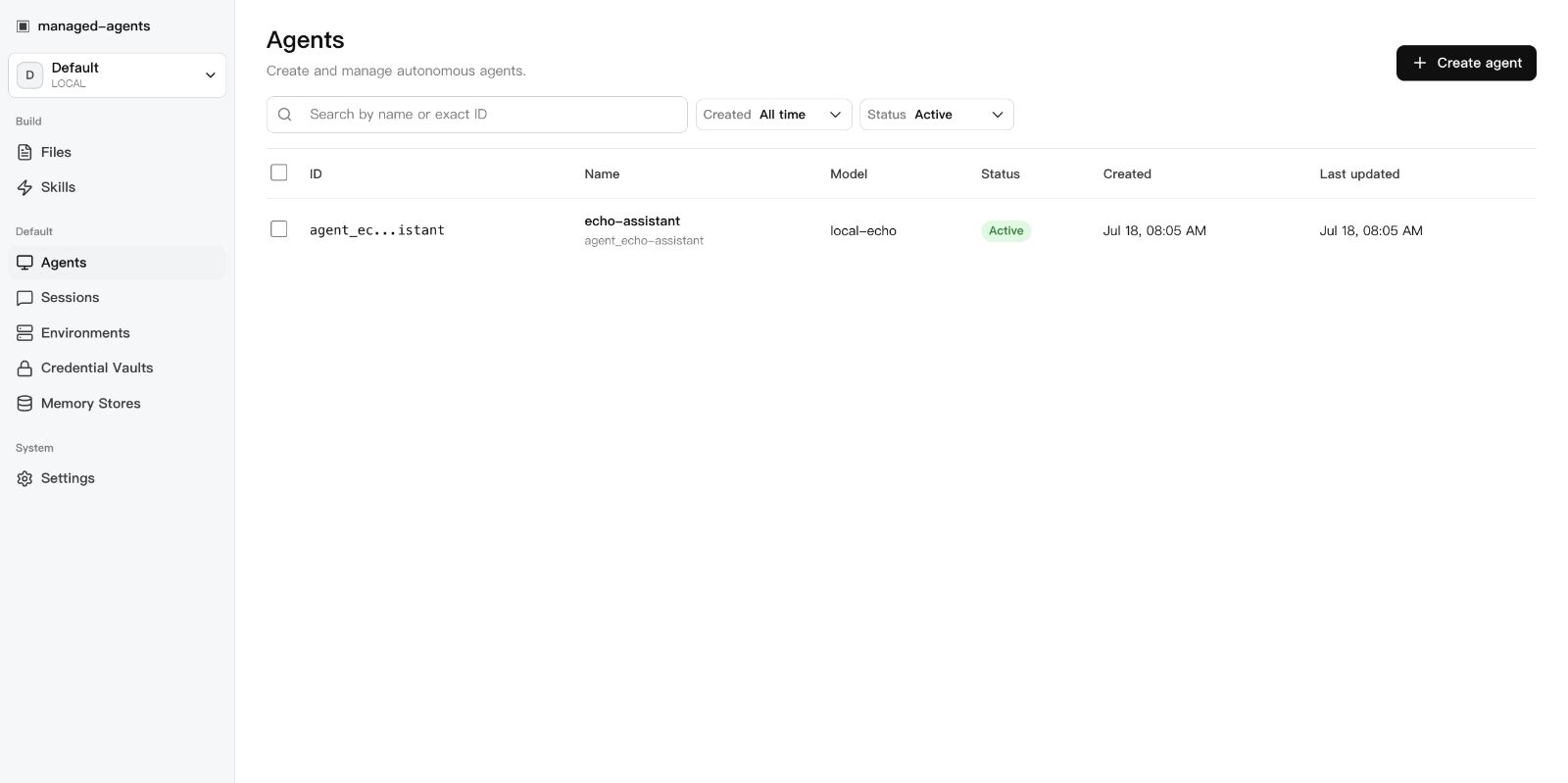
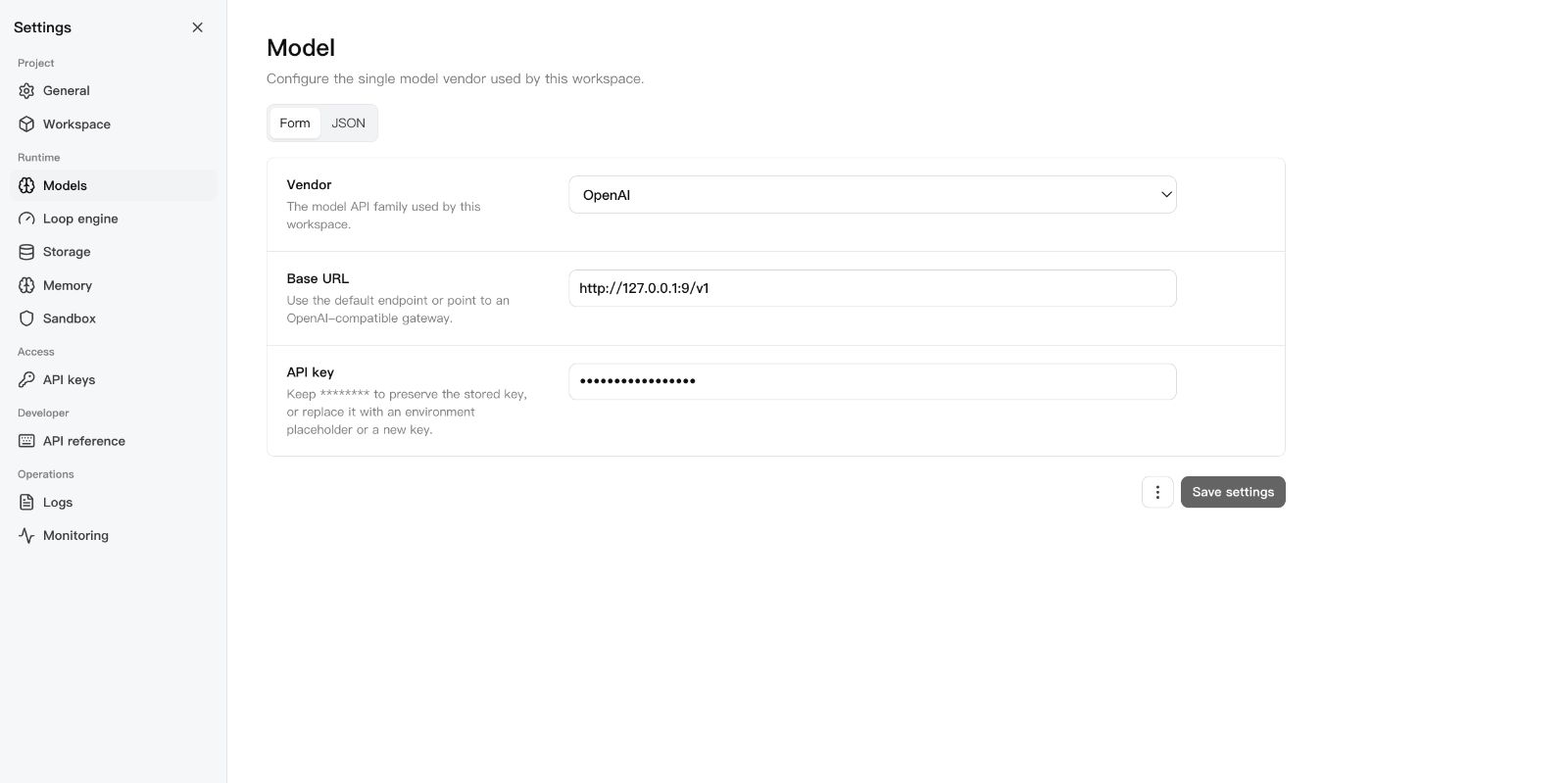
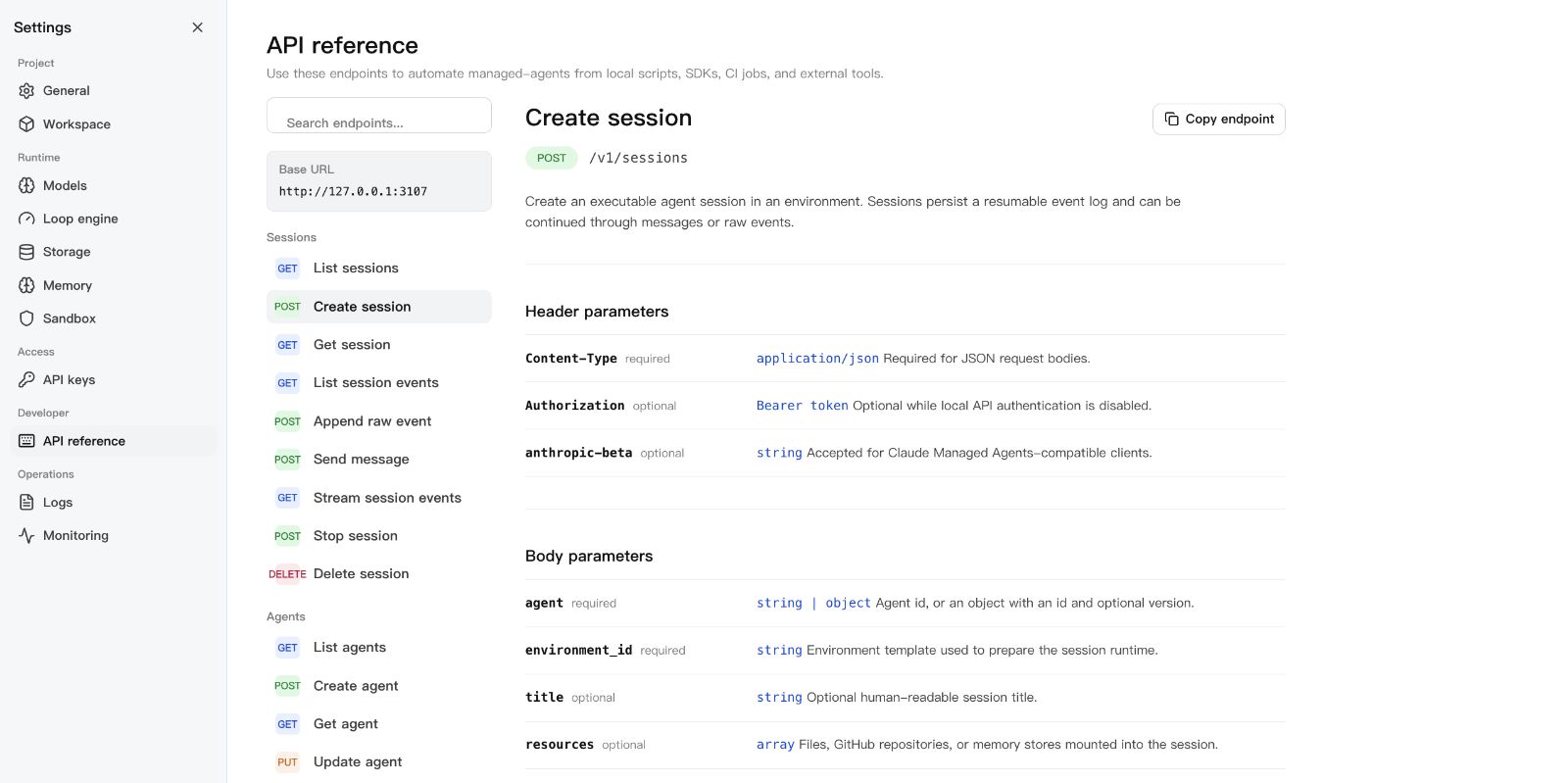
Screenshots
Use the Official SDK
The runtime answers its own /v1 API on that same port, and an official
Anthropic TypeScript SDK client drives it unchanged: point the client's
baseURL at the runtime, give it the runtime API key, and the quickstart in
examples/official-sdk runs a whole turn —
message, tool call, tool result, final reply — against it. That example is
executed on every pull request by
tests/conformance/official-sdk-quickstart.test.ts, so the compatibility it
describes is compatibility that is tested rather than claimed.
The same surface is specified in docs/api.md, and this
repository's own TypeScript SDK is documented under SDK below.
CMA compatibility
Coverage of the published Claude Managed Agents contract is declared entry by
entry in src/core/capabilities/matrix.ts:
of the official SDK's route surface, 76 routes are mounted, 29 refuse by name,
and 5 — the multi-agent thread surface — are deferred to a tracked issue.
Partial and Unsupported entries always name their reason.
The table below is generated by npm run docs:compat, and a contract-honesty
test fails when it drifts from the matrix.
Full compatibility table (generated)
CLI
managed-agents init
managed-agents start [--host 127.0.0.1] [--port 3000]
managed-agents list
managed-agents reload
managed-agents chat <agent-id> --message "hello" [--tool-approval ask|allow|deny]
managed-agents template list | install <name> | create <name>
A turn whose tool needs approval parks instead of failing, and chat asks before
running it, then lets the runtime continue the same turn. --tool-approval allow
decides every such call in advance, which is what a script or a CI job uses, and
deny refuses them. With no terminal to prompt, the default ask answers nothing
and exits non-zero with the calls that are waiting named, so a script states its
policy rather than inheriting one. A custom tool is the exception: only your own
client can produce its result, and chat says so and exits non-zero. See
usage.
SDK
import { ManagedAgentsClient } from 'managed-agents/sdk';

const client = new ManagedAgentsClient({
  baseUrl: 'http://127.0.0.1:3000',
});

const session = await client.sessions.create({
  agent: 'agent_...',
  environment_id: 'env_...',
});

for await (const event of client.sessions.chat(session.id, 'Hello')) {
  if (event.type === 'agent.message_chunk') {
    process.stdout.write(event.delta ?? '');
  }
}
The /v1 API follows Claude Managed Agents resource shapes, so you can also
point the Anthropic SDK at the local runtime:
import Anthropic from '@anthropic-ai/sdk';

const client = new Anthropic({
  apiKey: process.env.MANAGED_AGENTS_API_KEY ?? 'local-dev-key',
  baseURL: 'http://127.0.0.1:3000',
});

const session = await client.beta.sessions.create({
  agent: 'agent_...',
  environment_id: 'env_...',
});
Authentication
Open by default. Authentication activates when at least one API key exists:
# Static key via environment
export MANAGED_AGENTS_API_KEY=sk-local-example

# Or create a managed key
curl -X POST http://127.0.0.1:3000/v1/api-keys \
  -H "Content-Type: application/json" \
  -d '{ "name": "Local Console" }'
Clients send Authorization: Bearer <key>.
Integrations and examples
- DeepSeek Harness plugin — run this runtime as a DSH plugin over MCP
stdio: install, preflight, tool list, and troubleshooting live in
examples/deepseek-harness. A DSH
project can also take a portable Skill from GitHub source —
npx --yes github:sandbaseai/sandbase-skills add multi-source-search
installs into .dsh/skills/multi-source-search.
- Agent Plugins 1.0 clients (Copilot CLI, VS Code) and the standalone
MCP bridge container — see
agent-plugin/PLUGIN.md.
- Use cases — the Showcase walks through an auditable
coding agent, DSH as an interactive front end, and controlled code execution
across Local, Docker, Kubernetes, and self-hosted sandboxes.
- Agent configuration — the YAML agent definition,
config.yaml, and the
workspace layout live in the usage guide; curl walkthroughs
for every resource are in docs/api.md.
Documentation
Development
npm ci
npm run typecheck    # src + tests + Console
npm test             # vitest
npm run build        # runtime + console + SDK
npm run release:check  # full local release gate
release:check runs typecheck, tests, both builds, npm pack --dry-run, CLI
init smoke, and examples/basic startup smoke.
Star and share
If this runtime solves a real agent-infrastructure problem for you,
star the repository so other builders can find it.
Ecosystem directories, community guides, and related projects are in
docs/ecosystem.md. Community use-case discussions:
memory migration between Codex, Claude Code, and DSH,
sandbox and filesystem protection for third-party plugins.
License
Apache-2.0